Running a speed test takes about 30 seconds, but knowing what to do with the results takes a bit more understanding. Here’s how to test your NBN or broadband connection speed properly, what the numbers actually mean, and what to do if your results are lower than expected.
The fastest way to run a speed test
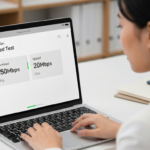
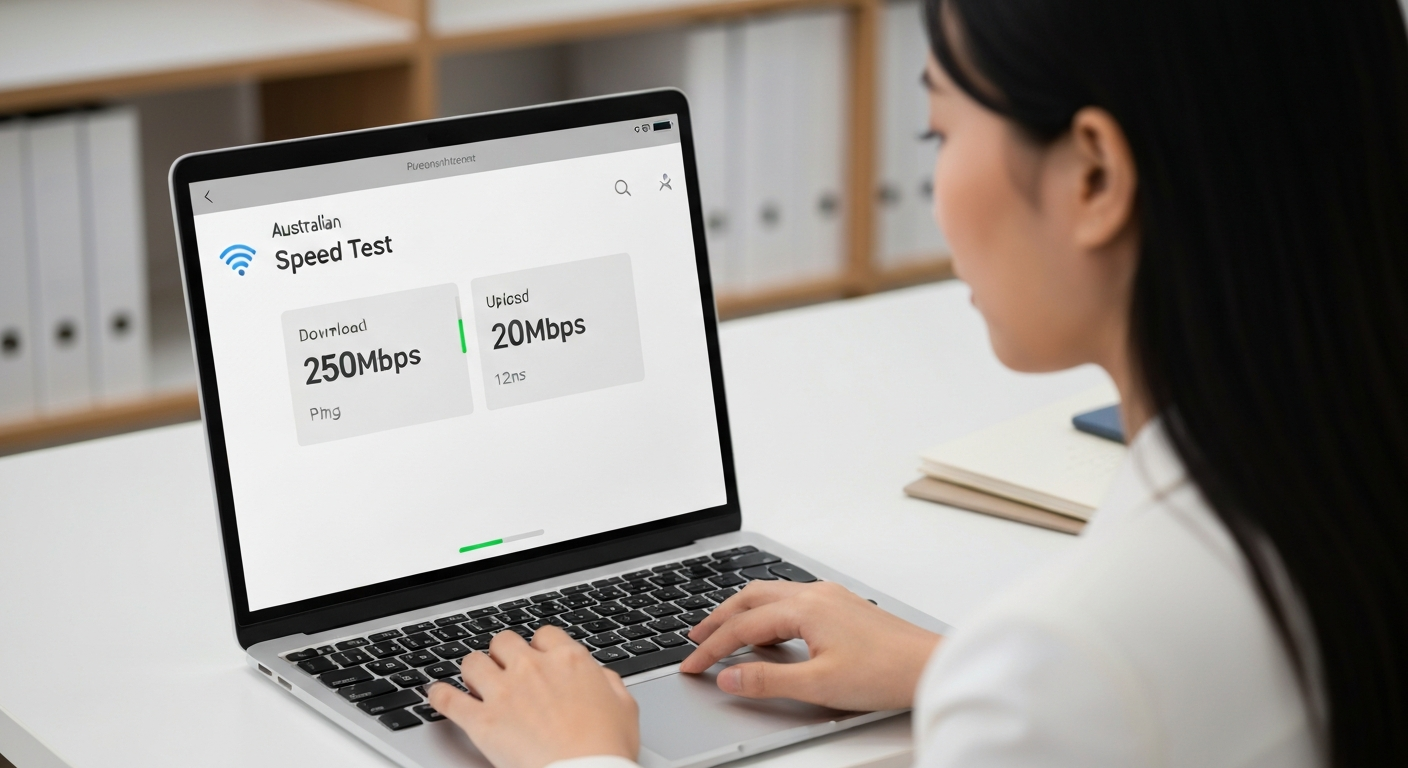
Go to fast.com (run by Netflix) or speedtest.net (by Ookla) on any device connected to your home network. The test runs automatically and gives you your download speed within about 30 seconds. Speedtest.net also shows upload speed and ping.
For the most accurate result:
- Connect your device via Ethernet cable to your router if possible (rather than Wi-Fi)
- Close other apps and browser tabs that might be using bandwidth
- Pause any downloads or streaming on other devices in the house
- Run the test a few times and take an average
What the results mean
Download speed
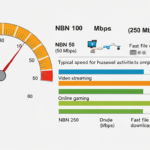
This is how fast data comes from the internet to your device — what most people mean when they say “internet speed”. Measured in Megabits per second (Mbps). This affects streaming, browsing, and downloading files. Your result should be compared to your NBN plan tier: if you’re on NBN 100, you should see something close to 100Mbps on a wired connection during off-peak hours.
Upload speed
How fast data goes from your device to the internet. Relevant for video calls, uploading files to cloud storage, live streaming, and sending large email attachments. Standard NBN plans have much lower upload than download — typically 20Mbps upload on NBN 100.
Ping (latency)
How long it takes for a small data packet to travel from your device to the test server and back, measured in milliseconds (ms). Lower is better. For general browsing, ping doesn’t matter much. For online gaming and video calls, you want under 30ms. The higher the ping, the more lag you’ll experience in real-time applications.
Jitter
The variation in ping over multiple measurements. Low jitter (under 5ms) means a consistent connection. High jitter causes choppy audio and video on calls, and rubber-banding in games, even when your average ping seems acceptable.
When is the best time to run a speed test?
Run tests at two different times for a useful comparison:
- Off-peak (11am on a weekday): Shows your connection’s maximum capability
- Peak (7–9pm any night): Shows real-world evening performance — this is what your provider’s “typical evening speed” refers to
The gap between these two tells you how congested your provider’s network gets. A large gap (e.g. 95Mbps at 11am, 40Mbps at 8pm) suggests your provider’s network is overloaded during peak hours — which may be grounds for complaint or switching providers.
What speeds should you expect on each NBN tier?
| Plan | Expected off-peak | Minimum “typical evening” speed |
|---|---|---|
| NBN 25 | 20–25Mbps | ~20Mbps |
| NBN 50 | 45–50Mbps | ~40–45Mbps |
| NBN 100 | 90–100Mbps | ~80–95Mbps |
| NBN 250 (FTTP) | 200–250Mbps | ~150–200Mbps |
| NBN 1000 (FTTP) | 800–950Mbps | ~700–890Mbps |
My speeds are lower than expected — what should I do?
First, check it’s not your Wi-Fi
Wi-Fi is often the culprit. A device 10 metres from the router through a couple of walls can easily see 30–50% of the router’s wired speed. Before blaming your NBN connection, test with an Ethernet cable plugged directly into the router. If wired speeds are fine but Wi-Fi is slow, the issue is your wireless setup, not your NBN plan. See our guide on improving Wi-Fi speed.
Check your modem/router
An old or cheap router can bottleneck your connection. Routers that are several years old may not support speeds over 50–100Mbps efficiently. If you’re on NBN 100 and getting 40Mbps on a wired connection, your modem may be the issue.
Check for NBN outages
If speeds suddenly drop, check whether there’s a known outage in your area. Your provider’s website or app usually has outage information. Our guide on how to check NBN outages covers all the ways to check.
Contact your provider
If wired speeds are consistently well below your plan’s typical evening speed, contact your provider. They’re obligated to investigate and, in some cases, allow you to exit your contract if they can’t deliver the advertised speeds.
Are speed tests reliable?
Speed tests measure the speed between your device and a test server — they’re a good indicator but not perfect. Factors that can affect results include the location of the test server, the time of day, how busy the test server is, and whether you’re testing on Wi-Fi or Ethernet. Running multiple tests to different servers (Speedtest.net lets you choose) and averaging the results gives a more reliable picture. We’ve covered this in more detail in our guide to understanding speed test results.
Frequently asked questions
What is a good internet speed in Australia?
For a single person or couple doing everyday things — streaming, browsing, video calls — 25–50Mbps is more than adequate. For a family household with multiple simultaneous users, 100Mbps is the comfortable standard. Anything over 250Mbps is genuinely fast and only needed in specific high-demand scenarios.
Why is my speed test result different on different devices?
Different devices have different Wi-Fi capabilities. A new phone on Wi-Fi 6 will get faster speeds than an older laptop on Wi-Fi 5. For a true measure of your connection’s capability, always test via Ethernet.
Is Speedtest.net or fast.com more accurate?
Both are reliable. fast.com is simpler and just shows download speed. Speedtest.net shows download, upload, and ping, and lets you choose test servers — more useful for diagnostics. For a quick check, either works fine.
Compare NBN Plans
Ready to find a better deal? Our best NBN plans page is updated monthly with the most competitive offers from Australian providers. You can also use our plan finder to get a personalised recommendation based on your household size and usage, or compare providers head-to-head to see how they stack up on price and customer ratings.