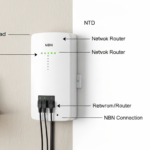
When your NBN connection gets installed, the technician will typically mount a small white box on an interior wall. This is the NBN connection box — officially called a Network Termination Device, or NTD. Here’s what it does, what the lights mean, and what to do if something goes wrong.
What is the NBN connection box?
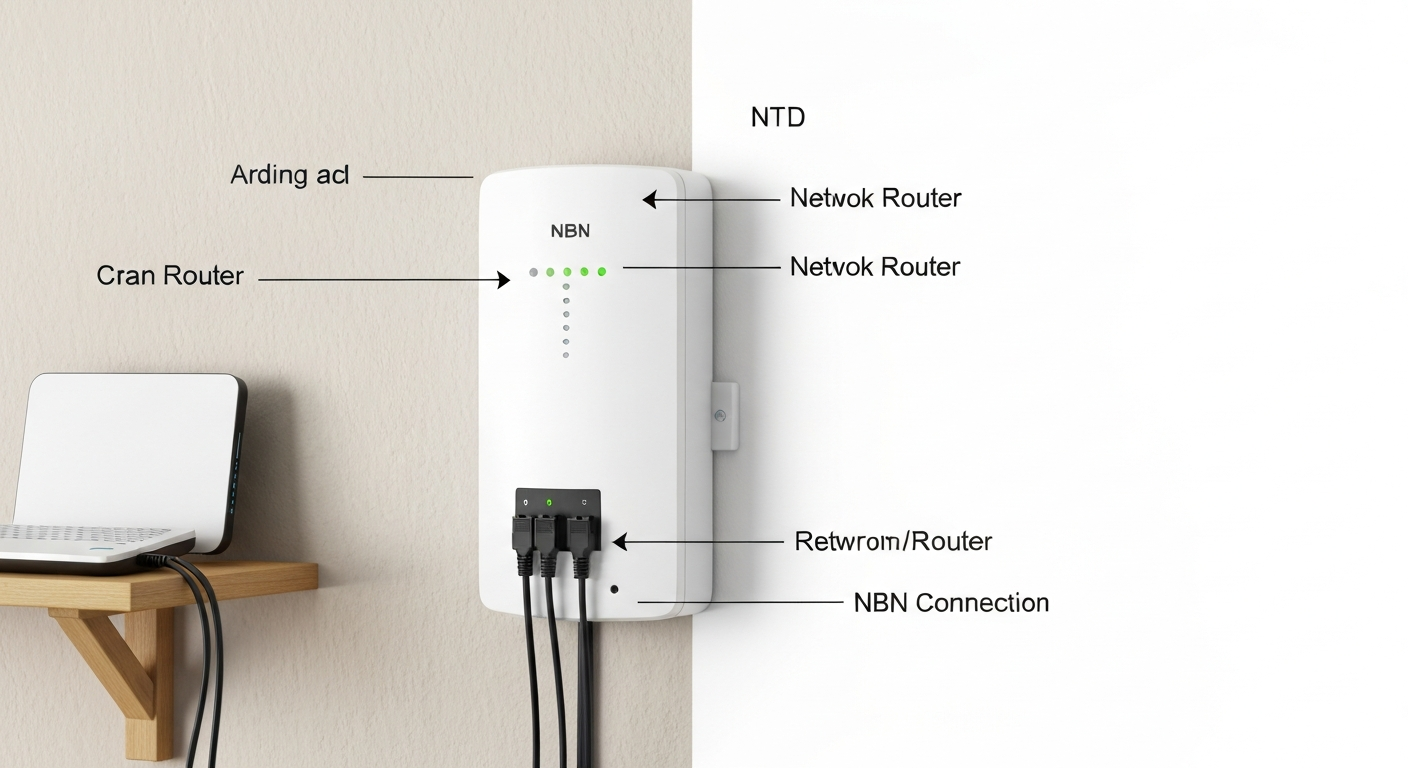
The NBN connection box (NTD) is the piece of equipment that connects your home to the NBN network. It’s owned by NBN Co — not by you or your internet provider. You’re not allowed to remove, modify, or throw it away when you move house. Think of it as the point where NBN infrastructure ends and your home network begins. Your modem or router plugs into the NTD.
Not every connection type has an NTD in the same form:
- FTTP — NTD (or ONT) mounted internally, usually near your meter box or on an interior wall
- FTTC — small Connection Device mounted internally, plus a DPU in the pit outside
- FTTN — no NTD. Your modem plugs directly into the phone socket
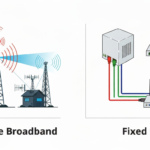
- HFC — NTD mounted near a coaxial cable outlet
- Fixed Wireless — external antenna on roof, internal NTD
- Satellite — dish outside, NTD inside
You can read more about the different NBN connection types here.
What do the lights on the NBN box mean?
| Light | Solid green | Flashing green | Red or off |
|---|---|---|---|
| Power | Box is on | Starting up | No power — check the cable |
| Optical / PON | Connected to NBN | Trying to connect | No signal — likely outage or line fault |
| UNI-D port | Modem connected | Data transferring | Nothing connected |
| Alarm | No fault | — | Fault — contact your provider |
Where is the NBN box installed?
The NBN technician picks the installation location, but you can request a preferred spot. Common places are near the front of the house, in a hallway, or near the power meter. The NTD needs a nearby power point and ideally should be close to where you want your modem/router. If the location isn’t working for you, contact your provider — relocating it may involve a fee depending on the cabling required.
Should you turn off the NBN box?
In general, leave the NTD powered on continuously. Unlike your modem/router, it maintains a persistent connection to the NBN network. That said, if you’re troubleshooting an internet outage, unplugging it for 30 seconds and waiting for the lights to stabilise is a valid step. Just don’t make a habit of it.
What if the NBN box is faulty?
The NTD is NBN Co’s equipment, so if it develops a fault, NBN Co is responsible for replacing it. Call your internet provider (not NBN Co directly) to log the fault — they’ll coordinate the repair. Don’t try to fix or open the NTD yourself. If you accidentally damage it, there may be a charge.
Do you keep the NBN box when you move?
No. The NTD belongs to NBN Co and stays at the property. The next occupant’s internet provider will use the same box — NBN Co doesn’t remove and reinstall it between residents.
Difference between the NBN box and your modem/router
The NTD is fixed NBN infrastructure — you don’t own it and can’t choose it. Your modem/router is your personal equipment that creates your home Wi-Fi network. Your router plugs into the UNI-D 1 port on the NTD. If you upgrade your router, just unplug the old one and plug in the new one — the NTD doesn’t need to be touched.
Troubleshooting when your NBN stops working
First check the NTD lights. If the PON/optical light is red or off, the fault is between the NTD and NBN network — contact your provider. If those lights look normal but you still have no internet, the issue is with your modem/router or your provider’s service. Try rebooting your modem first. Our full NBN troubleshooting guide covers the whole process step by step.
Frequently asked questions
Is the NBN connection box the same as a modem?
No. The NBN connection box (NTD) connects your home to the NBN network — it’s infrastructure. A modem/router is your personal device that connects to the NTD and creates your home Wi-Fi. You need both.
Can I use any modem with the NBN connection box?
Most modern modems and routers are compatible with NBN. Just plug the WAN port of your router into the UNI-D 1 port on the NTD with an Ethernet cable. For FTTC, you’ll need a modem that supports VDSL2, which most NBN-compatible modems do.
Who do I contact if the NBN box is broken?
Contact your internet provider — not NBN Co directly. Your provider will lodge the fault with NBN Co and arrange a technician visit if needed.
While you’re thinking about your internet setup, it’s worth checking whether you’re on the best plan available. Our savings calculator can show how much you could save by switching, and our best NBN plans page has the latest deals updated monthly.