Choosing the wrong NBN speed tier is one of the most common mistakes Australians make when signing up for internet. Too slow and you’ll be frustrated. Too fast and you’re paying for speeds you’ll never use. Here’s a simple way to figure out exactly what you need.
The NBN speed tiers explained (quickly)
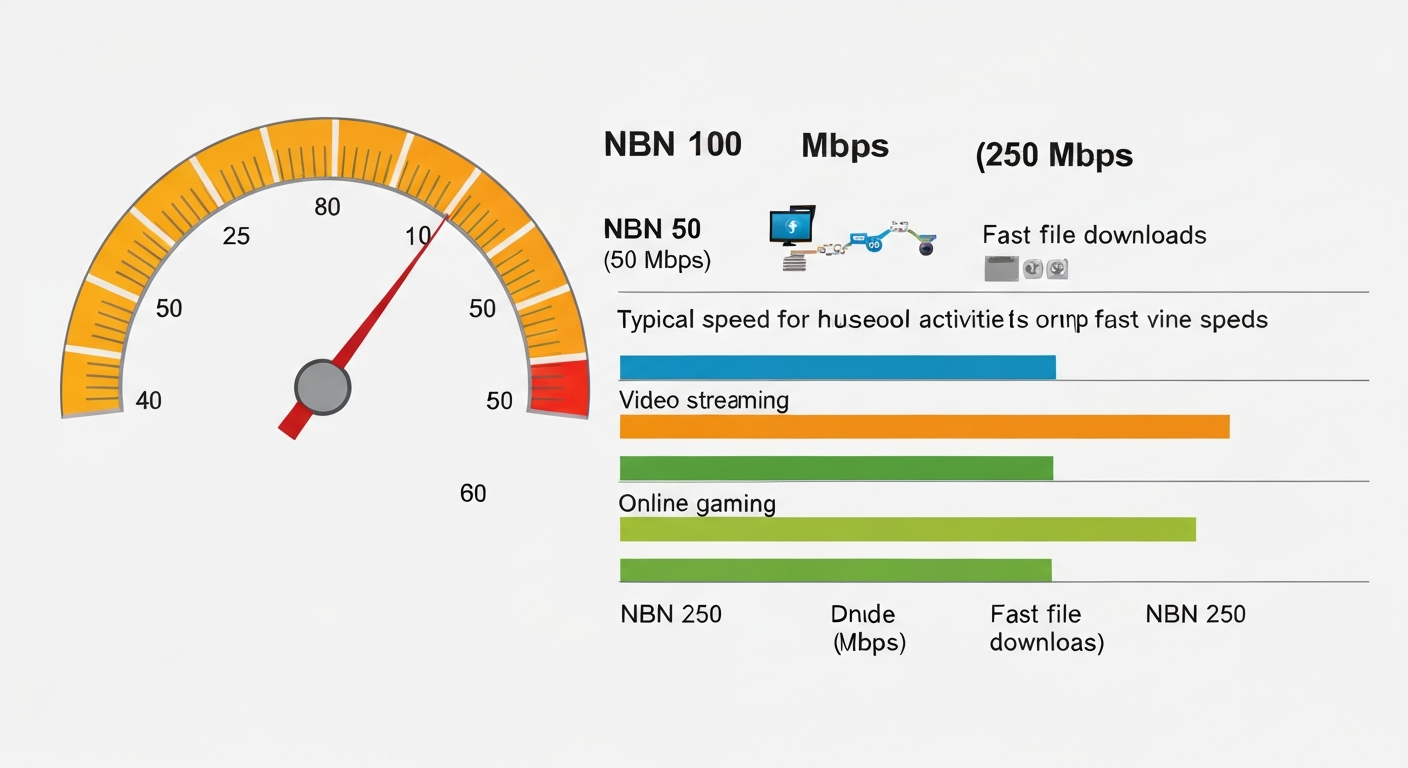
NBN plans in Australia come in four main speed tiers:
- NBN 25 — 25Mbps download. Basic use only: browsing, email, standard-def streaming for one person.
- NBN 50 — 50Mbps download. Good for a couple or small family doing everyday things.
- NBN 100 — 100Mbps download. The most popular tier, suits most households.
- NBN 250 / NBN 1000 — Superfast and ultrafast. Only available on FTTP and some HFC connections. For power users and large households.
Match your household to a speed tier
| Household type | Recommended speed | Why |
|---|---|---|
| Single person, light use (email, browsing, occasional streaming) | NBN 25 | More than enough for one person doing basics |
| Single person or couple, regular streaming and video calls | NBN 50 | Handles HD streaming + video calls simultaneously |
| Family of 3–4, mix of streaming, gaming, working from home | NBN 100 | Plenty of headroom for multiple users |
| Large household (5+), 4K streaming on multiple TVs, heavy gaming | NBN 100 or NBN 250 | NBN 100 usually fine; NBN 250 if you’re often saturating the connection |
| Power user: video production, large uploads, running a home server | NBN 250 or NBN 1000 | Higher upload speeds on FTTP plans make a real difference |
What uses the most bandwidth?
Understanding roughly how much bandwidth common activities use helps you size your plan correctly:
- Standard definition streaming (Netflix SD): ~1Mbps
- High definition streaming (Netflix HD): ~5Mbps
- 4K streaming (Netflix UHD): ~15–25Mbps
- Video call (Zoom, FaceTime): ~1–3Mbps
- Online gaming (in-game traffic only): ~1–5Mbps
- Large game downloads (100GB game): benefits from higher speeds to download faster
- Web browsing and email: under 1Mbps
The key insight: most activities don’t use much bandwidth individually. The issue is when several people are doing several things at once. A household where two people are streaming 4K while someone is gaming and someone else is on a Zoom call is using 55–60Mbps simultaneously — right at the edge of NBN 50, comfortably handled by NBN 100.
Is NBN 100 worth it over NBN 50?
For most Australian households, yes. The price difference between NBN 50 and NBN 100 is typically $10–$20/month, and NBN 100 gives you significant headroom. If you currently experience buffering or slowdowns when multiple people use the internet at once, upgrading from NBN 50 to NBN 100 will usually fix it.
NBN 50 is perfectly fine for a single person or a couple who doesn’t stream a lot. NBN 100 is the sweet spot for most families.
Does your connection type limit your speed?
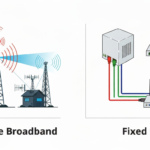
Yes — and this catches people out. NBN 250 and NBN 1000 are only available on FTTP and some HFC connections. If you’re on FTTN or FTTC, NBN 100 is the fastest tier available. Check what NBN connection type you have before choosing a speed tier.
What about upload speeds?
Standard NBN plans have much slower upload speeds than download — typically 20Mbps upload on NBN 100. For most people this is fine. It matters if you:
- Stream to Twitch or YouTube
- Do regular large file uploads (video editors, architects, designers)
- Run video conferencing with multiple participants
- Back up large amounts of data to cloud storage
If upload speed is important, you need an FTTP connection with an NBN 250 or NBN 1000 plan, which come with 25Mbps and 100Mbps upload respectively.
How to check if you’re getting the speed you’re paying for
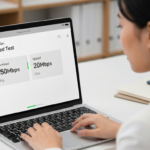
If you suspect you’re not getting the speeds you’re paying for, run a speed test at fast.com or speedtest.net during the evening (6–10pm is the busiest time on the NBN network). Compare the result to the “typical evening speed” advertised by your provider — this is the speed they’re required to advertise honestly. If you’re consistently below that, contact your provider.
You can read more in our guide to how internet speed tests work and what the results mean.
Should you upgrade to a faster plan?
Upgrade if you regularly experience:
- Buffering or low-quality video when streaming
- Slow load times when multiple people are using the internet
- Poor video call quality (pixelation, freezing, audio drops)
- Slow game downloads (though this is a patience issue, not a practical one)
Don’t upgrade if your current plan works fine and you just want “more” in theory. Save the money.
When you’re ready to compare plans, our guide on how to compare NBN plans will walk you through the process, and you can read provider reviews at Oz Broadband Review.
Frequently asked questions
Is NBN 25 fast enough for Netflix?
Yes for standard and HD streaming, though if you have a 4K TV and want to watch Netflix in 4K you’ll need at least 15–25Mbps dedicated to that stream. On NBN 25 with other devices also using the internet, 4K streaming could struggle. NBN 50 gives you more breathing room.
What NBN speed do I need for working from home?
NBN 50 handles most work-from-home needs comfortably — video calls, cloud apps, email. If you’re regularly transferring large files or running multiple video calls simultaneously, NBN 100 is worth the upgrade. Read our dedicated guide to internet speed for working from home.
How do I know what NBN speed I’m currently on?
Check your monthly bill or log in to your provider’s online account portal — the plan name usually includes the speed tier (e.g. “NBN 50 Unlimited” or “Standard Plus Unlimited”). You can also run a speed test and compare the result to the tiers listed above.
Compare NBN Plans
Ready to find a better deal? Our best NBN plans page is updated monthly with the most competitive offers from Australian providers. You can also use our plan finder to get a personalised recommendation based on your household size and usage, or compare providers head-to-head to see how they stack up on price and customer ratings.