Last updated: 16 May 2026
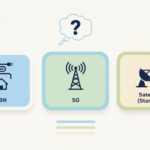
If you’re trying to work out the difference between NBN, broadband, and wireless internet, here’s the short answer: broadband is the umbrella term for any fast internet connection. The NBN is one type of broadband, and wireless (4G/5G) and satellite (Starlink, Sky Muster) are others. They all do the same job — get the internet into your home — but they go about it in very different ways.
This guide walks you through what each one is, when it makes sense, and how to pick the right setup for your place.
A quick comparison
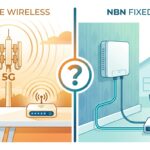
Here’s the lay of the land for home internet in Australia in 2026.
| Type | Typical download speed | Typical monthly cost | Best for |
|---|---|---|---|
| NBN | 25–1000+ Mbps | $55–$130 | Most Australian homes |
| 5G home wireless | 50–300 Mbps | $59–$85 | Renters, short-term setups, no NBN |
| 4G home wireless | 10–50 Mbps | $40–$70 | Backup, regional fill-in |
| Starlink (satellite) | 80–200 Mbps | $139 + ~$599 hardware | Rural, no NBN, no mobile coverage |
| Sky Muster (satellite) | 12–25 Mbps | $35–$80 | Last-resort rural |
| ADSL2+ | Up to 24 Mbps (often less) | $50–$70 | Only where the NBN hasn’t reached |
Speeds shown are typical evening speeds, not the marketing maximum. Prices vary by provider and change often.
What is the NBN?
The NBN (National Broadband Network) is the wholesale fibre and copper network that connects most Australian homes to the internet. Around 9 million homes are now connected, and for most people it’s the default option.
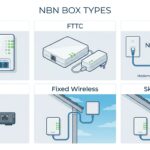
The confusing part is that the NBN isn’t fibre-to-the-home for everyone. Depending on your address you might have:
- FTTP (Fibre to the Premises) — fibre all the way to the house. Fastest and most reliable.
- FTTC (Fibre to the Curb) — fibre to the kerb, then copper for the last few metres.
- FTTN (Fibre to the Node) — fibre to a street cabinet, then copper for hundreds of metres.
- HFC (Hybrid Fibre Coaxial) — the old Foxtel/cable network.
- Fixed wireless — a tower beams signal to your house.
- Sky Muster satellite — for very remote properties.
The connection type you’ve got makes a big difference to the speed you can actually buy. If you’re on FTTN with poor copper, you might be capped at around 50–60 Mbps no matter which plan you pay for. We’ve written a full guide on the different types of NBN connections and how to find out what yours is.
NBN plans in 2026 typically run from around $55/month for entry-level speeds up to about $130/month for NBN 1000. Most Australians sit on NBN 100, which usually costs $75–$95/month.
What about wireless home internet?
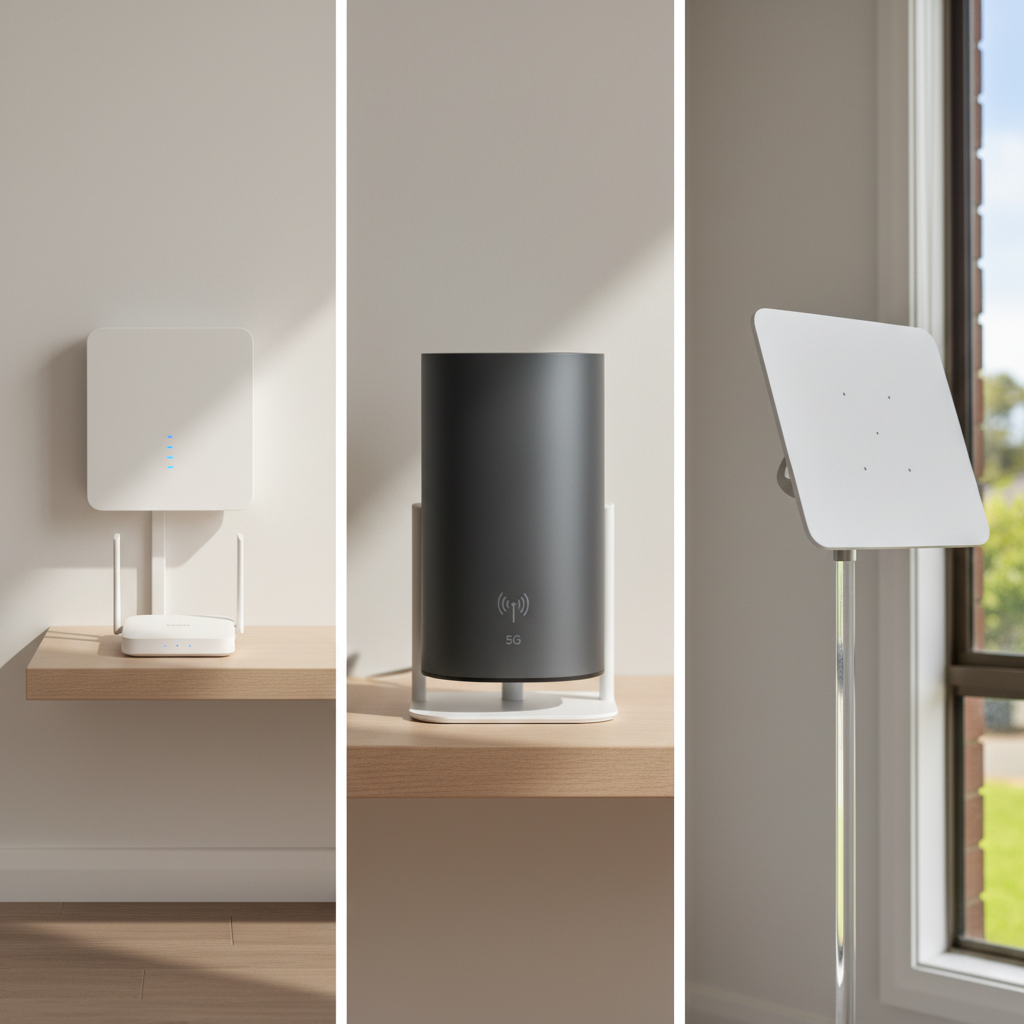
Wireless home broadband uses the mobile phone network — either 4G or 5G — to get the internet into your house. You plug in a modem and it talks to the nearest mobile tower, exactly like your phone does.
This used to be a backup option only. With 5G now covering most metro areas, it’s become a proper alternative to the NBN, especially for renters or people who move a lot. There’s no installation, no technician visit, and you can usually have it running the day the modem arrives.
The catch: speeds and reliability depend on signal strength at your address and how busy the local tower is. Two houses on the same street can get very different results. Telstra, Optus, TPG and Vodafone all offer 5G home plans, usually $59–$85/month in 2026.
For more, see our deeper writeup on 5G internet in Australia.
What about satellite — Starlink and Sky Muster?
Satellite internet is the option for properties that can’t get fixed-line NBN or decent mobile coverage. The two players in Australia are Starlink and NBN’s Sky Muster.
Starlink uses thousands of low-orbit SpaceX satellites. The hardware kit costs around $599 upfront, then it’s about $139/month for the standard residential plan. Download speeds are typically 80–200 Mbps and latency is in the 30–50ms range — usable for video calls and even some online gaming.
Sky Muster is the older geostationary satellite that NBN runs for remote Australia. It’s cheaper but much slower (12–25 Mbps download) and the latency is high enough that real-time video calling can be painful.
If you’re on a rural property and weighing them up, we’ve written a full Starlink vs Sky Muster comparison that covers cost, speed, and which one suits which household.
The terminology — what the numbers on a plan actually mean
If you’ve looked at broadband plans lately you’ve probably seen numbers like “100/20 Mbps” and terms like ping, jitter, evening speed and so on. Here’s the plain English version.
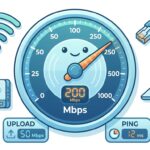
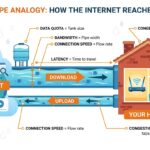
Broadband speed is how fast data moves, measured in Mbps (megabits per second). Higher is better. Plans quote two numbers: download speed (data coming to your house) and upload speed (data going from your house). So “100/20” means 100 Mbps down, 20 Mbps up.
Typical evening speed is the speed you can expect between 7pm and 11pm — the peak usage window when everyone in your suburb is online. This is the number that matters. The maximum speed on a plan is the theoretical ceiling. Typical evening speed is the real-world floor on a busy night.
Bandwidth vs speed sound the same but aren’t. Bandwidth is the maximum capacity of the pipe. Speed is how fast data is actually moving at any given moment. When providers advertise a “100Mbps plan” they’re talking about the bandwidth — what the connection is capable of. The speed you actually see in a test will usually be a bit lower.
Data quota is how much data your plan lets you download each month. The good news is that almost every NBN plan in Australia is now unlimited, so you don’t have to worry about this unless you’re on mobile broadband or Starlink Roam.
Ping, latency and jitter are the three numbers that matter for gaming, working from home and video calls.
- Latency is the time it takes data to make a round trip, measured in milliseconds (ms). Lower is better.
- Ping is the common way of measuring latency. Under 30ms is good. 50–100ms is okay for most things. Over 150ms and online games become unplayable.
- Jitter is how much your ping varies from moment to moment. Low jitter means a consistent connection. High jitter is what causes Zoom calls to glitch even when your speed test looks fine.
For everyday web browsing none of this matters much. For gaming, voice calls and video calls, ping and jitter matter more than raw download speed.
How do I choose the right one?
Here’s the rough decision tree.
If you can get fixed-line NBN at your address, start there. Look at what connection type you have (FTTP, FTTC, FTTN, HFC) because that determines what speed tier you can actually use. Then pick a tier based on how many people are in the house and what they do online. We’ve written a guide to choosing the right plan that walks you through this in detail.
If you’re renting short-term or you can’t be bothered with an installation, 5G home wireless is worth a look. Order, plug in, done in a day.
If you’re in a rural or semi-rural area with poor NBN and no 5G, Starlink is the best option now if you can swallow the upfront hardware cost.
If you want to compare actual plans side by side, our NBN plan comparison tool lets you sort by price, speed and provider. The find-a-plan filter is useful if you want to narrow down by features.
What happens once I’ve chosen a plan?
The connection process depends on the technology. For NBN you’ll either need a technician visit (FTTP and some FTTC connections) or you can self-install (FTTN, HFC, fixed wireless). 5G home broadband and Starlink are both self-install — the box arrives and you plug it in. Our how to connect to the NBN guide walks through the NBN process in detail.
Frequently asked questions
Is broadband the same as the NBN?
No. Broadband is the general term for any fast internet connection. The NBN is one specific type of broadband — Australia’s wholesale fibre and copper network. ADSL, 5G home wireless and Starlink are also forms of broadband.
What’s the difference between NBN and Wi-Fi?
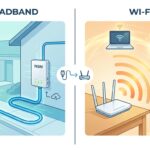
The NBN is the connection that brings the internet into your house. Wi-Fi is what your modem uses to send that connection wirelessly around your house. You can have one without the other (an Ethernet-only setup has internet but no Wi-Fi). They’re not the same thing.
Is ADSL faster than the NBN?
No. ADSL2+ tops out at around 24 Mbps download in perfect conditions, and most ADSL connections are slower than that. Even the entry-level NBN 25 plan is faster and more reliable. ADSL is being progressively shut down across Australia.
What speed NBN do I actually need?
For most households of 2–4 people, NBN 50 or NBN 100 is plenty. NBN 100 is what about half of Australians pick. Heavy gaming or 4K streaming households might want NBN 250 or 1000, but only if your connection type can actually deliver those speeds.
Can I get the NBN if I rent?
Yes. The NBN connection belongs to the property, not the tenant, so it’s already there at most rental addresses. You just sign up with a provider. If the property isn’t already connected, you may need the landlord’s permission for the installation.
Who has the fastest NBN in Australia?
This changes over time. As of 2026, Aussie Broadband, Superloop and Swoop generally top the ACCC’s typical evening speed reports on NBN 100 and NBN 1000. Our fastest NBN plan guide tracks the current numbers, and the 10 cheapest unlimited NBN plans post compares the budget end of the market.