Last updated: 22 August 2026
Want to just run the test? Our free Australian internet speed test measures download, upload, ping, jitter and bufferbloat from Australian servers, no app needed. Run it, then come back here to make sense of the numbers.
If your internet feels slow, the first thing to do is actually test it. A real speed test takes about 30 seconds and tells you exactly what’s happening on your line. Download, upload, latency, jitter and bufferbloat. Once you’ve got the numbers, you can work out whether the problem is your plan, your provider, your modem or your Wi-Fi.
We built a free speed test for this site. It runs from a Sydney server so the latency number is your actual line, not a hop across the Pacific. It also measures bufferbloat, which is the thing that makes a fast connection feel slow when it’s busy. Once enough people in your area have tested, it’ll show you how your speeds compare to other Aussies on the same ISP at your postcode. Works on any device, no app required, no email signup unless you want to save your results.
For the most accurate result, run the test on a device connected to your modem by Ethernet cable. Wi-Fi adds its own variability that can mask the real line speed.
What the numbers mean
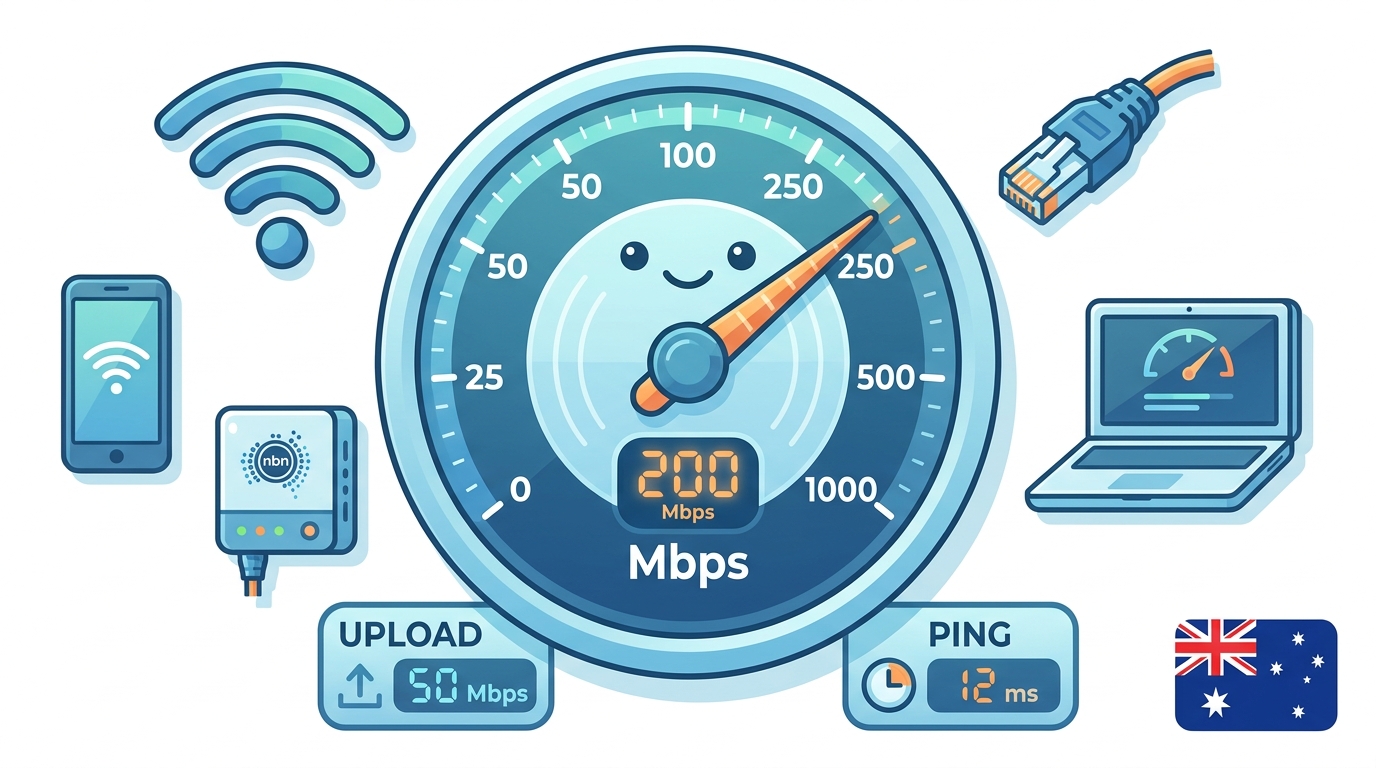
The speed test gives you three numbers and they each tell you something different.
- Download speed (Mbps). How fast data comes into your house. Drives streaming, browsing, downloading files. The headline number.
- Upload speed (Mbps). How fast data leaves your house. Drives video calls, uploading photos, cloud backup, working from home.
- Latency / ping (ms). How quickly a small packet round-trips to a server and back. Drives gaming, video calls, the “snappiness” of websites. Lower is better.
- Bufferbloat (A–F grade). How well your connection holds its latency when it’s busy. If your speedometer reads 100 Mbps but Zoom calls glitch when someone else in the house is downloading, that’s bufferbloat. Most speed tests don’t measure it. Ours does.
Some tools also show jitter (how much the latency varies, relevant for video calls) and packet loss (whether bits of data are going missing, high packet loss means a faulty line). If you want the deeper technical detail on how the tests actually measure these, we have a separate article on how internet speed tests work and why results vary.
What’s a “good” result?
It depends on what plan you’re paying for. Here’s what you should be seeing on the most common Australian plans during evening peak hours (8-11pm):
| Plan | Expected download | Expected upload | Expected latency |
|---|---|---|---|
| NBN 25 | 21-25 Mbps | 4-5 Mbps | 10-20 ms |
| NBN 50 | 42-50 Mbps | 16-20 Mbps | 5-15 ms |
| NBN 100 (FTTP / HFC) | 85-100 Mbps | 17-40 Mbps | 5-15 ms |
| NBN 100 (FTTN) | 50-90 Mbps | 15-40 Mbps | 10-25 ms |
| NBN 250 | 200-250 Mbps | 20-25 Mbps | 5-15 ms |
| NBN 1000 | 500-950 Mbps | 40-50 Mbps | 5-15 ms |
| 5G Home Wireless | 80-400 Mbps (highly variable) | 10-30 Mbps | 15-30 ms |
| Starlink | 100-250 Mbps | 10-25 Mbps | 25-50 ms |
| Sky Muster (NBN satellite) | 15-25 Mbps | 3-5 Mbps | 500-700 ms |
If you’re consistently getting less than the low end of these ranges in evening hours, something’s not right. The good news is there’s a clear list of things to check before you ring your provider.
My speed is slower than I’m paying for: what now?
Before you call your provider, run through this checklist. About half the “slow internet” complaints get fixed by one of these.
- Test on Ethernet, not Wi-Fi. Plug your laptop directly into your modem with a cable and run the test again. If Ethernet is fast but Wi-Fi is slow, it’s a Wi-Fi problem. See our 5 things killing your home Wi-Fi signal guide.
- Restart the modem. Power off for 30 seconds, plug back in, wait two minutes for it to fully sync. This fixes a surprising number of speed issues.
- Test at different times of day. Run a test at 10am, at 5pm and at 8pm. If it’s only slow in the evening, you’re hitting peak-hour congestion on your provider’s network.
- Test on a different device. Sometimes a particular phone or laptop is the bottleneck. Old Wi-Fi cards can cap at 50-100 Mbps even on gigabit plans.
- Check for current outages. Visit nbnco.com.au or our NBN outage checker guide. Sometimes the answer is just “yes, your area is having a problem right now”.
It’s still slow. Now what?
If you’ve worked through the checklist and your speeds are still well below what you’re paying for during peak hours, the problem is on the line or on your provider’s side. Two practical next steps.
1. Ring your provider and ask for a line test. Tell them you’ve tested on Ethernet, restarted the modem, tested at multiple times of day, and you’re consistently getting [your numbers] vs the [advertised speed] on your plan. They’ll usually run a remote line test from their end. If they find a fault, NBN Co will dispatch a technician at no cost to you. If they don’t find anything, push for a refund or plan downgrade. Under the ACCC’s broadband speed claims framework, you’re entitled to a refund or to drop down to a slower plan at no charge if your line consistently can’t deliver what you’re paying for.
2. Compare other providers. Speeds vary by provider too. The same NBN line will perform differently depending on how much wholesale capacity your provider has bought. The ACCC’s quarterly Measuring Broadband Australia report tracks this. Aussie Broadband, Superloop and Swoop consistently top the rankings. Our how to compare NBN plans guide and the best NBN plans comparison are good starting points.
How often should I test?
For most people, once a month is plenty. Run a quick test on Ethernet at peak hours and at off-peak so you’ve got a baseline. Then test again any time:
- Your internet feels noticeably slower than usual
- You’ve just changed providers, plans or modems
- You’re about to call your provider to complain (have numbers ready)
- You’ve moved house or rearranged your modem location
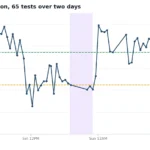
If you’ve got an intermittent issue (fine most of the time, but slow at random points), running a single test isn’t going to catch it. That’s what we built OBBR Pulse for. It’s a popout window that runs the test every 30 minutes for as long as you keep it open, and charts your speed across time. You’ll see exactly when the drop-offs happen, which is what you want to tell your provider. Free, you just give an email so the results are saved against a record you can come back to.
Test your speed now
FAQ
Why is my speed test result lower than my plan speed?
Most plans say “up to X Mbps”. The actual speed depends on your connection type, distance from the node (for FTTN), evening congestion on your provider’s network, your Wi-Fi setup, and the device you’re testing on. A good real world result is around 85-95% of your plan’s advertised speed for FTTP and HFC, and 60-90% for FTTN and FTTC.
Is Wi-Fi or Ethernet better for speed testing?
Ethernet. Wi-Fi adds its own bottleneck, your router’s Wi-Fi radio, signal interference, the device’s Wi-Fi card, and can make a fast line look slow. If you want to know what your NBN line is actually delivering, plug a laptop directly into your modem with an Ethernet cable.
Is the speed test on this site accurate?
Yes. We built it in-house specifically for Australian users. The bandwidth server is in Sydney, not the US, so the latency number you see is your actual line latency rather than a transpacific hop. It runs the same way Ookla and Cloudflare’s tests do (4 parallel streams, 10-second download burst, 10-second upload burst), plus a bufferbloat probe under load that most tests skip. Free, no signup required, results saved against your IP address. For a deeper look at how speed tests actually work, see our internet speed tests explained guide.
What’s a good ping for gaming?
Under 30 ms is great for competitive online gaming. 30-50 ms is fine for most games. Over 60 ms and you’ll start feeling it in fast-paced shooters. For more detail on what’s needed for different games, see our best NBN plans for gaming guide.
Why is my upload much slower than my download?
That’s normal for most consumer plans. NBN plans are asymmetric. For example, NBN 100 typically gives you 20 or 40 Mbps upload depending on the variant. Cable, FTTP and 5G plans are usually more upload generous than FTTN. If you regularly upload large files (video editing, cloud backup, livestreaming) it’s worth checking the upload number on the plan before you sign up, not after.
How many speed tests should I run before complaining?
Run at least three: one at off-peak (morning), one at the start of evening peak (around 6pm), and one in the middle of evening peak (around 8-9pm). If all three are well below your plan speed, you’ve got evidence. If only the evening ones are slow, you’re dealing with peak hour congestion at your provider, which gives you grounds for a refund or a free downgrade under the ACCC’s framework.
For more on what’s actually fast, slow and normal in Australia, see our Australian internet speeds explained guide and the NBN plans overview.