Last updated: 16 May 2026
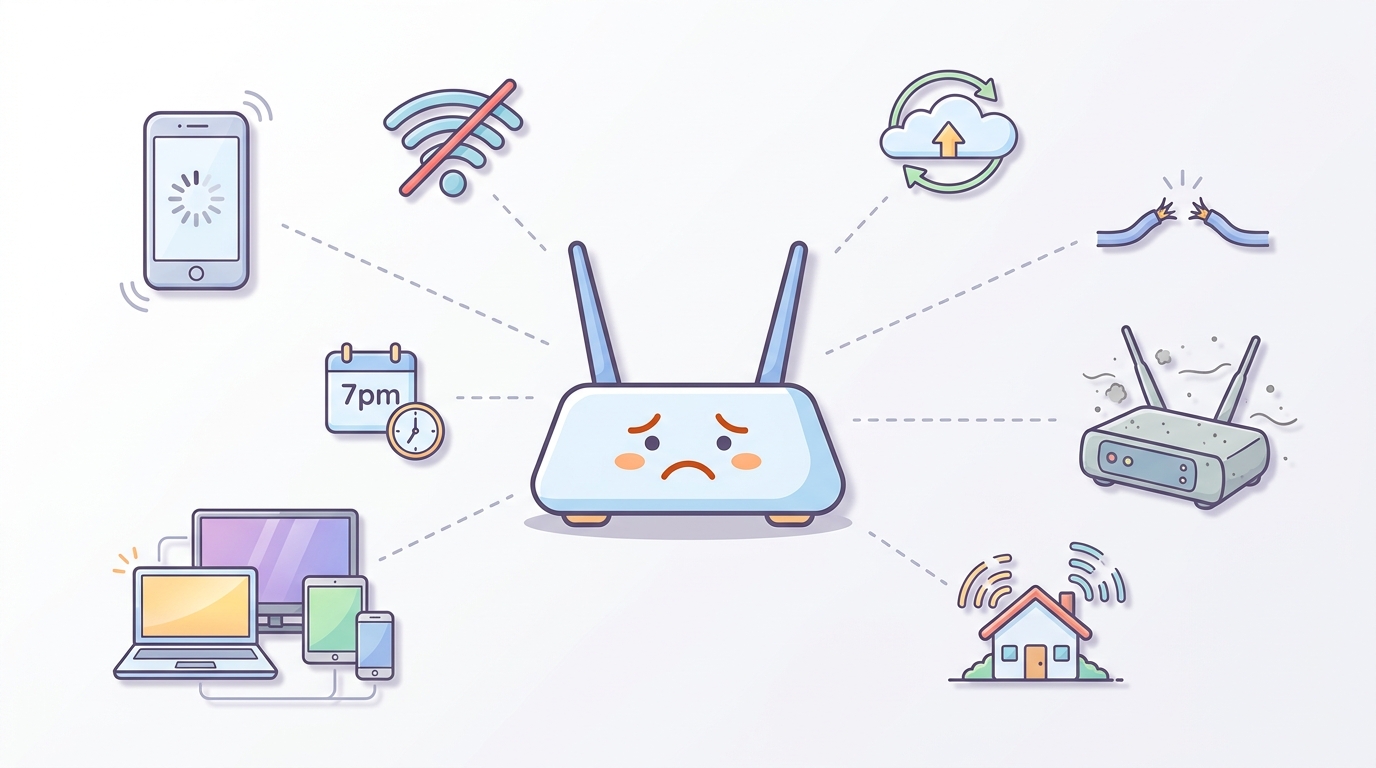
Slow internet at home almost always traces back to one of eight things. The trick is figuring out which one. This guide walks through each common cause, how to spot it, and what to actually do about it.
If you want to skip straight to a diagnosis: run a speed test (Ethernet first, then Wi-Fi) and compare the results. The gap between them tells you where the problem lives.
Quick diagnostic shortcut
Before you spend hours troubleshooting, do this:
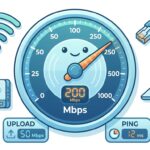
- Plug a laptop into your modem with an Ethernet cable.
- Run a speed test at fast.com or speedtest.net.
- Run the same test on Wi-Fi from the same spot.
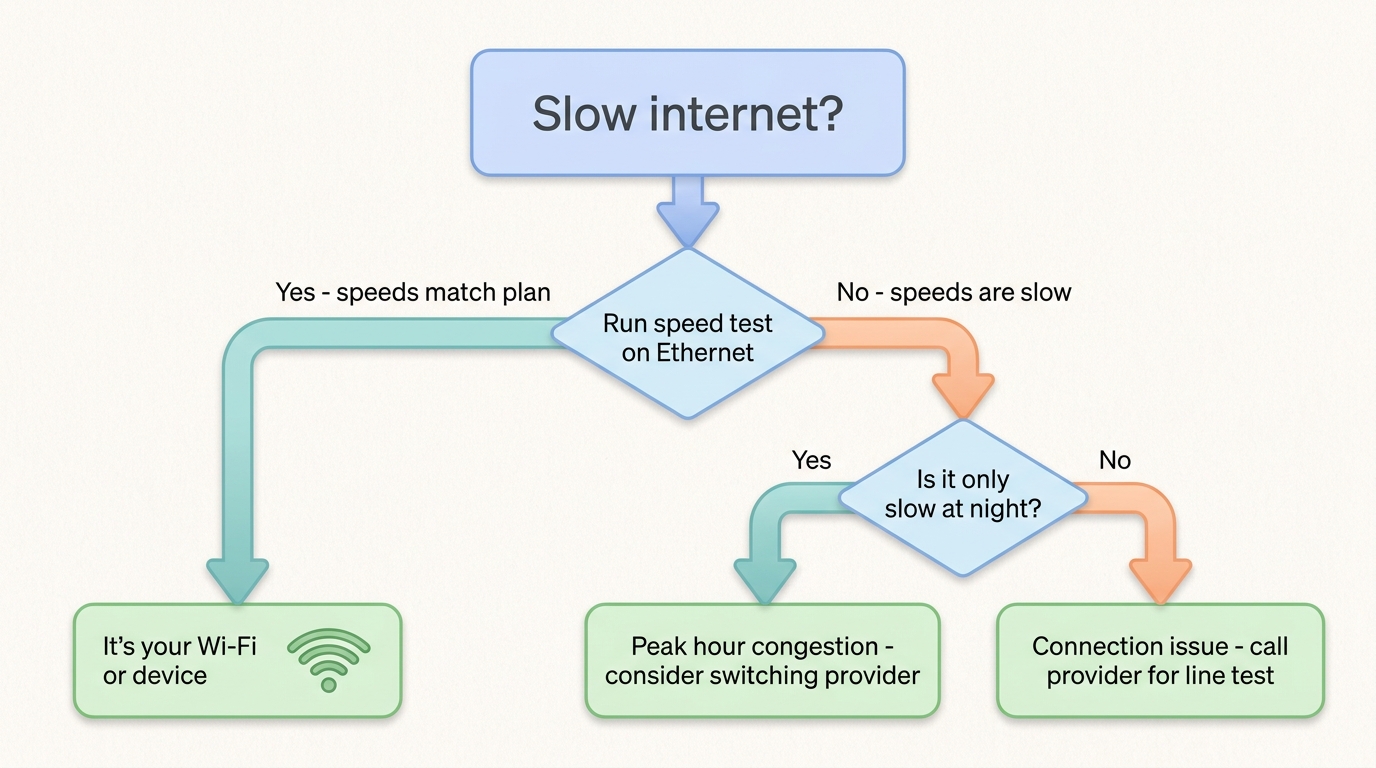
If the Ethernet test is good but Wi-Fi is bad: your Wi-Fi is the problem (causes 1–4 below). If both are slow: the problem is your connection itself or your provider (causes 5–8).
Our internet speed tests explained guide covers how to run a proper test.
1. Too many devices using your connection at once
When several devices share one connection, each gets a slice of the total bandwidth. A Zoom call, a 4K Netflix stream and three phones syncing photos at the same time will saturate an NBN 25 plan easily.
How to spot it: speed is fine in the morning, slow when the whole household is online.
Fix: either upgrade to a faster plan, or stagger heavy activities. NBN 50 is enough for most households of three or four; NBN 100 if you have multiple 4K streams and active gamers.
2. Too many devices connected (not all using bandwidth)
Modern smart homes have a lot more connected devices than people realise — Wi-Fi cameras, smart bulbs, smart speakers, doorbells, robot vacuums, smart TVs, watches. Each one uses a tiny bit of bandwidth even when idle.
Some routers cap the number of simultaneous connections at 25–30. Once you cross that, performance degrades sharply.
How to spot it: internet slows down for no obvious reason; specific devices keep dropping off.
Fix: upgrade to a router that handles more connections, or move low-bandwidth IoT devices to a separate guest network.
3. Weak Wi-Fi signal in the part of the house you’re using
The further you are from the router, the slower your Wi-Fi. Concrete walls, metal cabinets, mirrors and large appliances all block Wi-Fi signal.
Most modern routers broadcast on two frequencies:
- 2.4 GHz travels further but is slower
- 5 GHz is faster but doesn’t penetrate walls as well
How to spot it: speed is fine next to the router, terrible in the back bedroom.
Fix: move the router to a more central position, switch to 5 GHz when close to the router and 2.4 GHz when far away, or invest in a mesh Wi-Fi system. Our Wi-Fi range extender vs mesh network guide covers the choice.
4. Wi-Fi channel congestion from neighbours
In apartments and dense suburbs, every neighbour’s Wi-Fi is broadcasting on the same handful of channels. Signals overlap, devices retransmit, everything slows down.
How to spot it: Wi-Fi works fine some days, badly others; problems are worse in evenings when more neighbours are home.
Fix: log into your router and change the Wi-Fi channel manually. Most routers default to “Auto” which doesn’t always pick the cleanest channel. Channels 1, 6 and 11 are the non-overlapping options on 2.4 GHz; on 5 GHz pick a channel above 36 that’s not used by neighbours.
For more, see our guide on 5 things that may be killing your home Wi-Fi signal.
5. Your modem is too old
Modems and routers have a useful life of about 5–7 years. After that they struggle with newer Wi-Fi standards, can’t handle modern device counts, and sometimes can’t even sync at full NBN speeds.
If your modem is more than 5 years old and you’re on NBN 100 or above, it’s probably the bottleneck.
How to spot it: Ethernet speed is well below your plan’s max, even though everything else looks fine.
Fix: buy a modern modem. A decent Wi-Fi 6 router from TP-Link, Asus or Netgear costs $150–$300 and will last another 5+ years. Our BYO modem setup guide covers what to look for.
6. Peak hour congestion at your provider
Between 7pm and 11pm, every household in Australia is online. If your provider hasn’t bought enough network capacity per customer (CVC), your speed drops dramatically in the evening.
This is the biggest difference between cheap plans and quality plans. The ACCC publishes quarterly evening-speed reports that show which providers maintain their speeds.
How to spot it: speeds are great during the day, terrible from 7–11pm.
Fix: switch providers. Aussie Broadband, Superloop and Swoop generally top the ACCC’s evening-speed rankings. Our fastest NBN plan guide tracks the current numbers.
7. Background apps eating your bandwidth
Cloud syncs, software updates, automatic backups, video calls left running — they all chew through bandwidth in the background while you’re trying to do something else.
The big culprits: OneDrive, Google Drive, Dropbox, Windows Update, macOS updates, iOS device backups, Steam game downloads.
How to spot it: internet slows down for a while, then comes back. Often happens at the same time of day (when scheduled updates run).
Fix: open your router admin page and check what devices are using bandwidth. Most modern routers (and Windows / macOS) have built-in network monitors. Pause cloud sync apps when you need maximum bandwidth.
8. The connection from your house to the street is degraded
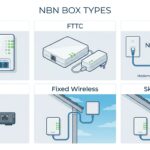
If you’re on FTTN, FTTC, FTTB or HFC, part of your connection runs over old copper or coax. Cables degrade over time, especially after weather events.
How to spot it: speeds were fine for years, then suddenly dropped and stayed down. Other people in your area report similar issues.
Fix: contact your provider and ask them to run a line test. If the line is faulty, NBN Co will dispatch a technician (at no cost to you). If you’re on FTTN, you may also be eligible for a free upgrade to FTTP — see our NBN connection types guide for the upgrade program details.
What to actually do, in order
A practical troubleshooting sequence:
- Restart your modem. Unplug it for 30 seconds, plug it back in, wait 5 minutes. Fixes more issues than you’d expect.
- Run a speed test on Ethernet, then on Wi-Fi from the same spot.
- Compare to your plan’s typical evening speed. If you’re getting 80%+ of the advertised number, the connection is fine and the problem is your setup.
- Check what’s using bandwidth. Pause cloud syncs, close background apps, kick off devices you’re not using.
- Test at different times of day. Evening only = peak congestion. All day = something local.
- Call your provider if you’ve ruled out the above. Ask for a line test.
If your provider can’t help, it’s probably time to look at switching. Our guide to how to compare NBN plans walks through what to look for.
When the NBN itself drops out
If your internet doesn’t just slow down but actually disconnects, the troubleshooting is different. Our specific guides cover this:
- What to do when your NBN keeps dropping out
- How to check for NBN outages in your area
- WiFi not working? 10 simple solutions
Frequently asked questions
Why is my internet slow at night?
Almost always peak-hour congestion on your provider’s network. They’ve sold more capacity than they can deliver simultaneously. Switching to a provider with better typical evening speeds (Aussie Broadband, Superloop, Swoop) usually fixes it.
Why is my Wi-Fi suddenly slow?
Three common reasons: neighbours’ Wi-Fi is interfering (change your channel), your modem is overheating or failing (restart it; replace if it’s old), or one of your devices is hogging bandwidth (cloud sync, game download).
How old is too old for a modem?
5–7 years for a router; longer for a modem. If you’re on NBN 100 or above and using a router that came free with a 12 month contract three years ago, upgrading will probably noticeably improve your speed.
Is my plan or my Wi-Fi the problem?
Run a speed test on Ethernet from a laptop plugged straight into your modem. If that result is close to your plan’s advertised speed, the connection is fine and the problem is your Wi-Fi. If the Ethernet test is also slow, the problem is your connection or your provider.
Should I just buy a faster plan?
Only if you’ve ruled out the easier fixes first. A faster plan doesn’t fix a poor Wi-Fi setup, an overloaded router, or peak hour congestion at a budget provider. Diagnose first, upgrade if needed.
For broader context on broadband in Australia, see our NBN vs Broadband vs Wireless hub. To compare plans, use our plan finder or side-by-side comparison.